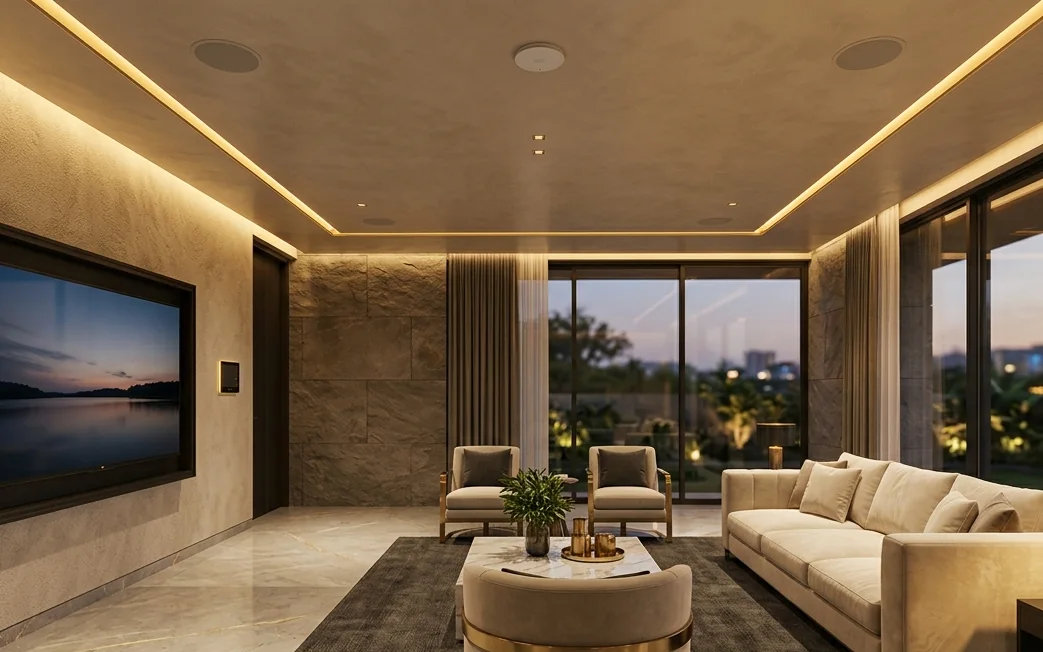
The automation is rarely the problem. The network is.
Smart home networking is the wired and wireless backbone that connects every device in a home: phones, TVs, cameras, lights, sensors and voice assistants. Most smart homes fail because they run all of these on one internet provider's router. A planned network with cabling and access points keeps them connected in every room.
Signs your home network is overloaded
Wi-Fi drops in the master bedroom or on the upper floor
Voice assistants and smart switches say "device offline"
CCTV playback freezes or the app takes long to load
Video calls break when the TV is streaming
Things improve after a router restart, then fail again
What actually causes it
A single router placed centrally but blocked by RCC walls
Too many devices on one consumer router
Extenders that repeat an already weak signal
Cameras and smart devices sharing the family network
No wired connection to TVs, consoles or the upper floor
How many devices does a smart home really have?
An example of a connected 4 BHK home in Ahmedabad. Most families are surprised by the total.
Device group
Example count
What it needs from the network
Phones, tablets, laptops
8 to 10
Strong Wi-Fi in every room, smooth roaming between rooms
Smart TVs and streaming
3 to 4
Wired connection where possible for 4K streaming
CCTV cameras
4 to 8
Stable, separate network; wired cameras preferred
Smart switches, lights, sensors
10 to 30
Reliable 2.4 GHz coverage across the whole home
Voice assistants and speakers
2 to 5
Consistent connection to respond instantly
AC, appliances, smart plugs
3 to 8
Coverage in kitchens, balconies and utility areas
Example figures for illustration. Your survey will count your actual devices.
Router, extender, mesh or wired access points?
A quick comparison of the four common ways to cover a home with Wi-Fi.
Option
How it works
Best for
Single ISP router
One device for internet and Wi-Fi, usually in the hall or dining area
Small flats with few devices
Wi-Fi extender
Repeats the existing signal; speed and stability drop with each hop
A quick fix for one weak corner
Wireless mesh
Several units share one network; units talk to each other over Wi-Fi
Medium apartments without cabling options
Wired access points (recommended)
Access points connected by Ethernet to a central switch; each room gets full-strength signal
Bungalows, villas, duplexes, penthouses and smart homes
How we build your home network
From the first survey to a network that keeps up as you add devices.
1
Book the consultation
Share your home size, floors and the devices you use or plan to add. We schedule a visit.
2
Home survey
We test signal room by room, note wall types, router position, internet line and every connected device.
3
Written network plan
You get a plan with access point positions, cable routes, rack location and an itemised quote.
4
Install the backbone
Cables, access points, switch and rack are installed neatly, concealed wherever the interiors allow.
5
Configure and test
Separate networks for family, guests and smart devices, with coverage tested in every room.
6
Support
Remote help and optional AMC so the network keeps up as you add devices.
Your home network, planned by people who install business networks every week.
Survey • Plan • Install • Support
Start with a home network consultation.
A proper survey replaces guesswork. You get an honest assessment of what your home needs, even if the answer is a small fix.
What the consultation includes
Room-by-room Wi-Fi signal and speed check
Review of your router, internet plan and device count
Recommended access point positions and cable routes
Access points and cable routes agreed before installation starts.
Separate smart-device network
Automation, cameras and family devices on their own networks.
Wired where it matters
TVs, recorders, hubs and the upper floor connected by cable.
One number to call
Network issues come to us, so your integrator is not pulled back for Wi-Fi.
Smart home networking questions
Straight answers for homeowners tired of Wi-Fi that drops.
Most smart homes run every phone, TV, camera, smart light and voice assistant on the single router supplied by the internet provider. That router and its Wi-Fi coverage are not built for 20 or more devices spread across rooms and floors, so devices drop off, respond late or go offline. A wired backbone with access points fixes the network rather than the devices.
Usually not. Internet speed is what reaches your router; Wi-Fi coverage is how well that connection reaches each room. Thick RCC walls and distance reduce the signal no matter how fast the plan is. Fixing coverage with properly placed access points often helps more than upgrading the plan.
Extenders repeat a weakened signal and usually halve the speed. Wireless mesh is better, but each unit still relies on a wireless link. For larger homes, bungalows and multi-floor flats, mesh units or access points connected by Ethernet cable (wired backhaul) give the most reliable result.
We visit your home, test Wi-Fi signal room by room, review your router, internet line, wiring and connected devices, then give you a written network plan with recommended equipment, access point positions and cable routes.
Often yes. We use existing conduits, TV points and concealed routes wherever possible, and plan neat surface routes only where there is no alternative. In homes under construction or renovation, we lay cables before the false ceiling and wall finishes close.
Our focus is the network that automation depends on: cabling, Wi-Fi, switches, CCTV and the rack. We work alongside your home-automation company, which handles the switches, scenes and app setup.
Yes. We usually put smart devices and cameras on their own network, separate from family phones and laptops. This improves security and makes problems easier to trace.
On-site installation covers Ahmedabad, Gandhinagar and nearby areas. For other cities, contact us and we will tell you what is possible on site or remotely.
1002/B, 10th Floor, SYNERGY, Above Kotak Mahindra Bank, Next to Commerce House-5, Near Vodafone House (Vi), Corporate Road, Prahlad Nagar, Ahmedabad - 380015.
GSTIN
24ANHPM8424E1Z3
Tell us about your requirement.
We reply on the same working day with clear next steps.