01
NAS backup
Fast local backup of computers and shared folders in the office.
 XPERT BIZZYour Trusted Technology Partner
Local and cloud backup for files, servers, accounting data and email, automatic, monitored and tested.
Last updated: 22 October 2026
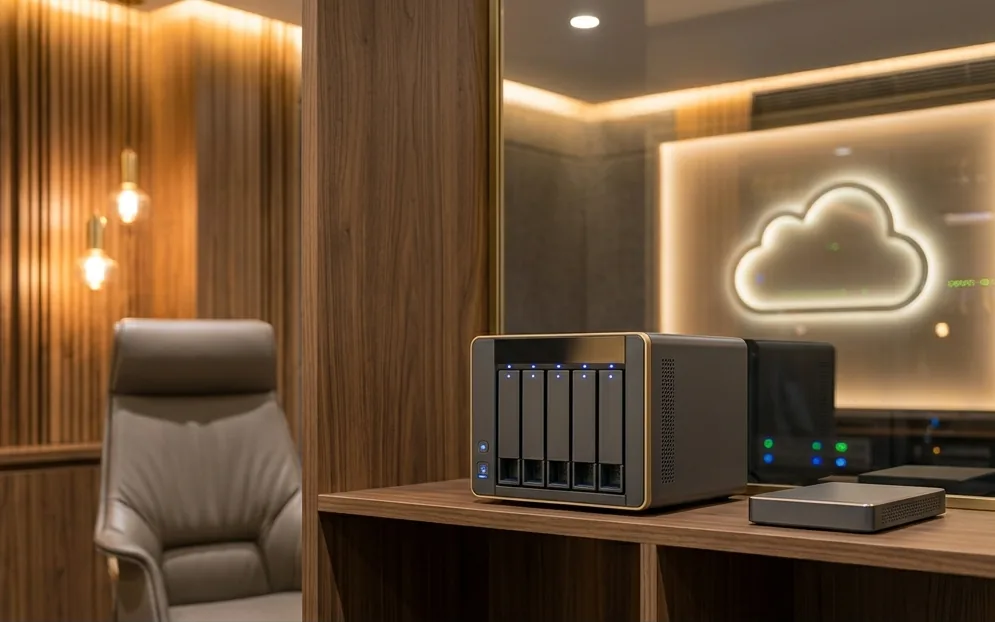
A business data backup solution automatically copies important files, systems, accounting data and email to separate storage, both in the office and off-site, so they can be restored after deletion, hardware failure, theft or ransomware. XPERT BIZZ sets up and monitors backup for businesses in Ahmedabad.
Fast local backup of computers and shared folders in the office.
Encrypted off-site copy that survives office-level events.
Full system images so a server can be restored quickly.
Tally and other accounting data backed up on schedule.
Microsoft 365 or Google Workspace mail and files.
Version history and protected copies that cannot be altered.
Regular test restores to prove backups work.
Failed jobs noticed and fixed, with support under AMC.
Each option protects against different risks. Most offices need a combination.
| Option | Protects against | Watch out for |
|---|---|---|
| External hard drive | Accidental deletion and single-computer failure | Depends on someone remembering; easily lost or left connected |
| NAS in the office | Deletion, hardware failure; fast restores | Same fire, theft or ransomware risk as the office |
| Cloud backup | Fire, theft and office-level events | Restores of large data take longer over the internet |
| NAS + cloud (recommended) | Fast local restores plus an off-site copy | Needs monitoring so both copies stay current |
Six steps from finding your data to a backup you can trust.
We list where important data lives: computers, servers, shared folders, accounting software, email and phones.
Together we decide what must be backed up, how often, and how quickly it must be restored.
Local backup on NAS or server plus an off-site or cloud copy, with version history.
Backup jobs run automatically, outside working hours where possible.
We restore sample files and systems to prove the backup actually works.
Backup status is checked regularly and failures are fixed, with support under AMC.
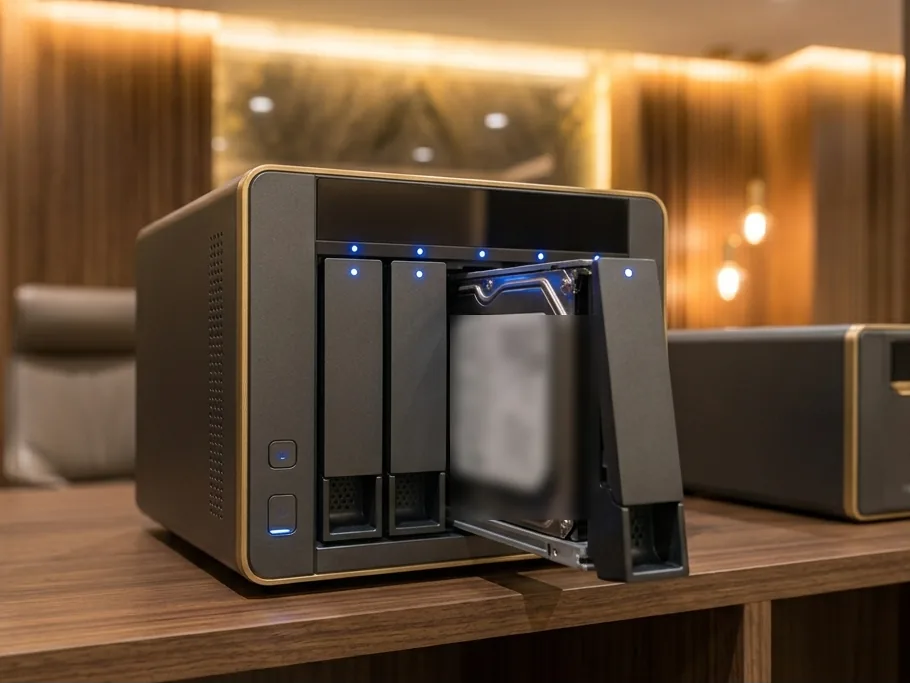
Illustrative image
Many offices believe they have backup until the day they need it. These questions show whether yours will work.
Any business whose work would stop, or whose clients would be affected, if data were lost.
Client books, returns and Tally data across years.
Large drawings and project files that cannot be recreated.
Patient records and reports that must be retained.
Orders, stock and billing data that keep the business running.
What businesses ask before setting up backup.
Tell us what data you have and where it lives. We will suggest a backup setup that fits.
Keyur Mehta
1002/B, 10th Floor, SYNERGY,
Above Kotak Mahindra Bank,
Next to Commerce House-5,
Near Vodafone House (Vi),
Corporate Road, Prahlad Nagar,
Ahmedabad - 380015.
24ANHPM8424E1Z3
We reply on the same working day with clear next steps.